Lankir Documentation
A powerful desktop PDF viewer and digital signature tool for Linux.
Sign PDFs with hardware tokens (PKCS#11), certificate files (PKCS#12), and browser certificate stores (NSS). Works as both a GUI application and CLI tool from a single binary.
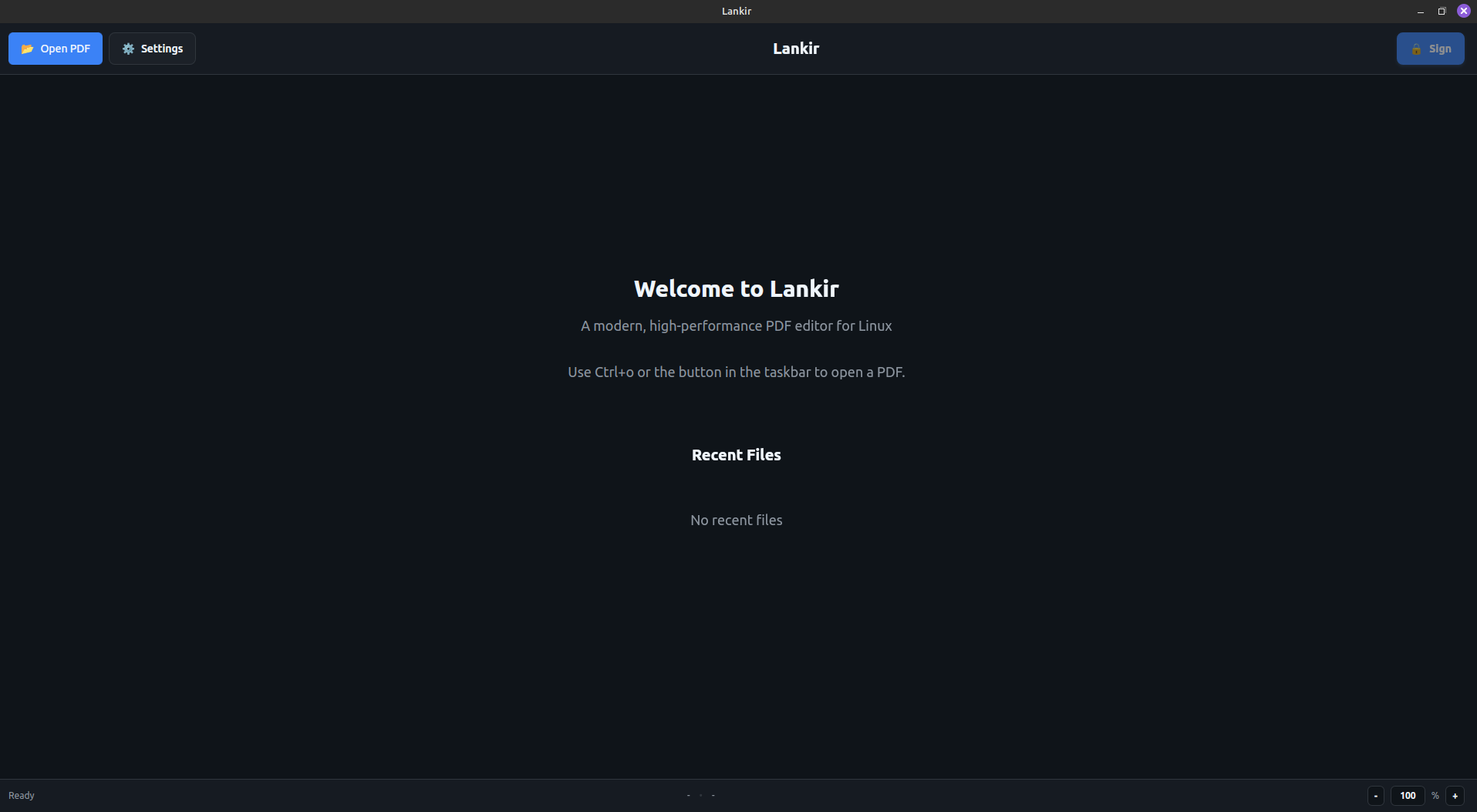
Lankir main interface with document viewer and signature capabilities
Key Features
Built specifically for Linux desktops with GTK3 integration. No Electron, no bloat—just a fast, responsive application.
Sign PDFs with smart cards, USB tokens, and HSMs via PKCS#11. Private keys never leave your secure hardware.
Use certificates from PKCS#12 files, system stores, Firefox, Chrome, or hardware tokens—all from one interface.
Same binary works as GUI application or powerful CLI tool. Automate signing workflows with scripts.
Quick Start
Download and install Lankir on your Linux system.
Open your first PDF and explore the interface.
Learn to sign PDFs with your certificates.
Master command-line operations for automation.
Documentation
Getting Started
User Guide
Architecture
Development
Feature Overview
Feature |
Description |
|---|---|
PDF Viewing |
High-quality rendering powered by MuPDF |
Digital Signatures |
Sign with PKCS#11 tokens, PKCS#12 files, or NSS databases |
Signature Verification |
Validate existing signatures and certificate chains |
Visible Signatures |
Customizable signature appearance with logos and text |
CLI Support |
Full command-line interface for automation and scripting |
Certificate Management |
Browse and manage certificates from multiple sources |
Privacy & Security
Offline First: All processing happens locally—no cloud services
Hardware Security: Private keys on tokens never leave the device
No Telemetry: No data collection or tracking
Open Source: Full transparency—audit the code yourself
Support
If you find Lankir useful, consider supporting its development:
Cryptocurrency Donations
Bitcoin (BTC)
bc1q7utue52q2m66spl3prz3xxmmdw9varcupfa20f
Monero (XMR)
681AX96pcCFNbFs82MeQVR6W3pDCHRTHEGGHBMZiafLL
License
Lankir is open source software. See the LICENSE file for details.