Configuration
Lankir stores all configuration in ~/.config/lankir/.
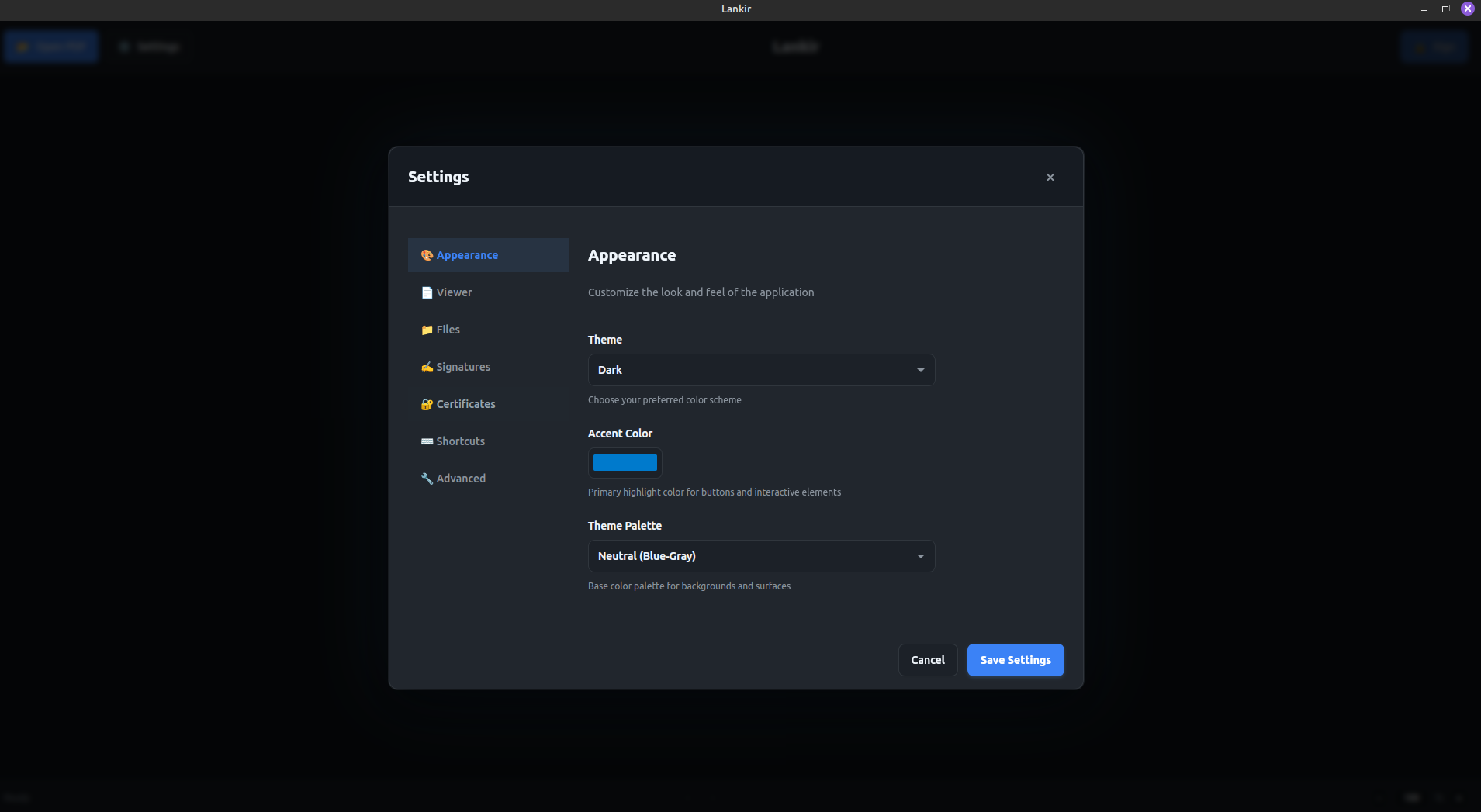
Settings panel showing theme, viewer, and certificate configuration options
Configuration Files
File |
Purpose |
|---|---|
|
Main application settings |
|
Recently opened PDFs |
|
Signature profile definitions |
Settings Reference
Appearance
Setting |
Type |
Default |
Description |
|---|---|---|---|
|
string |
|
UI theme: |
|
string |
|
Primary accent color (hex) |
# Change theme
lankir config set theme light

# Set accent color
lankir config set accentColor "#ff6600"
Viewer
Setting |
Type |
Default |
Description |
|---|---|---|---|
|
int |
|
Initial zoom percentage |
|
bool |
|
Show thumbnail sidebar |
|
bool |
|
Show properties sidebar |
|
string |
|
View mode: |
# Set default zoom to 150%
lankir config set defaultZoom 150

# Change view mode
lankir config set defaultViewMode single
Files
Setting |
Type |
Default |
Description |
|---|---|---|---|
|
int |
|
Number of recent files to remember |
|
int |
|
Autosave interval in seconds (0 = disabled) |
Certificates
Setting |
Type |
Default |
Description |
|---|---|---|---|
|
array |
(auto) |
Paths to scan for certificates |
|
array |
(auto) |
PKCS#11 module paths |
Certificate Stores
Directories where Lankir looks for .p12/.pfx certificate files:
{
  "certificateStores": [
    "/etc/ssl/certs",
    "/home/user/.pki/nssdb",
    "/home/user/certificates"
  ]
}
Add a custom certificate directory:
# Note: Directories must be absolute paths within home or system cert dirs
lankir config set certificateStores '["/home/user/my-certs"]'
Token Libraries
PKCS#11 shared library paths for hardware tokens:
{
  "tokenLibraries": [
    "/usr/lib/x86_64-linux-gnu/pkcs11/p11-kit-client.so",
    "/usr/lib/x86_64-linux-gnu/opensc-pkcs11.so"
  ]
}
Advanced
Setting |
Type |
Default |
Description |
|---|---|---|---|
|
bool |
|
Enable debug logging |
|
bool |
|
Use GPU acceleration |
# Enable debug mode
lankir config set debugMode true

# Disable hardware acceleration (for troubleshooting)
lankir config set hardwareAccel false
Viewing Configuration
# Show all settings
lankir config get

# Show specific setting
lankir config get theme

# JSON output (for scripting)
lankir config get --json
Resetting Configuration
To reset all settings to defaults:
lankir config reset
Or manually delete the config file:
rm ~/.config/lankir/config.json
Environment Variables
Variable |
Description |
|---|---|
|
Override config directory |
|
Enable debug output ( |
Configuration Locations
Lankir follows the XDG Base Directory Specification:
Data Type |
Location |
|---|---|
Config |
|
Cache |
|
Data |
|
Next Steps
Certificate Management - Configure certificate sources
Signature Profiles - Create signing profiles